All-in-One VR Training Ecosystem
Alterland adapts to every organization - whether you’re just starting your digital journey or already leading in innovation. You can train independently, collaborate with our experts, or let us handle everything for you, from VR setup to immersive program design. Simple, scalable, and ready to grow with your team - all in one ecosystem.
Technology.
Ready-to-use virtual offices and classrooms. Tools for onboarding, collaboration, and skill development.
Tools.
Global partnerships for headset rentals across Europe and worldwide.
Talents.

A growing network of certified, multilingual VR trainers — carefully vetted and trusted by us.
How it works?
Start with your own ready-to-use virtual office. Perfect for meetings, workshops, or onboarding. No setup, no coding! Just log in and collaborate in our fully equipped offices with all the tools to boost your remote team’s productivity.

Our World
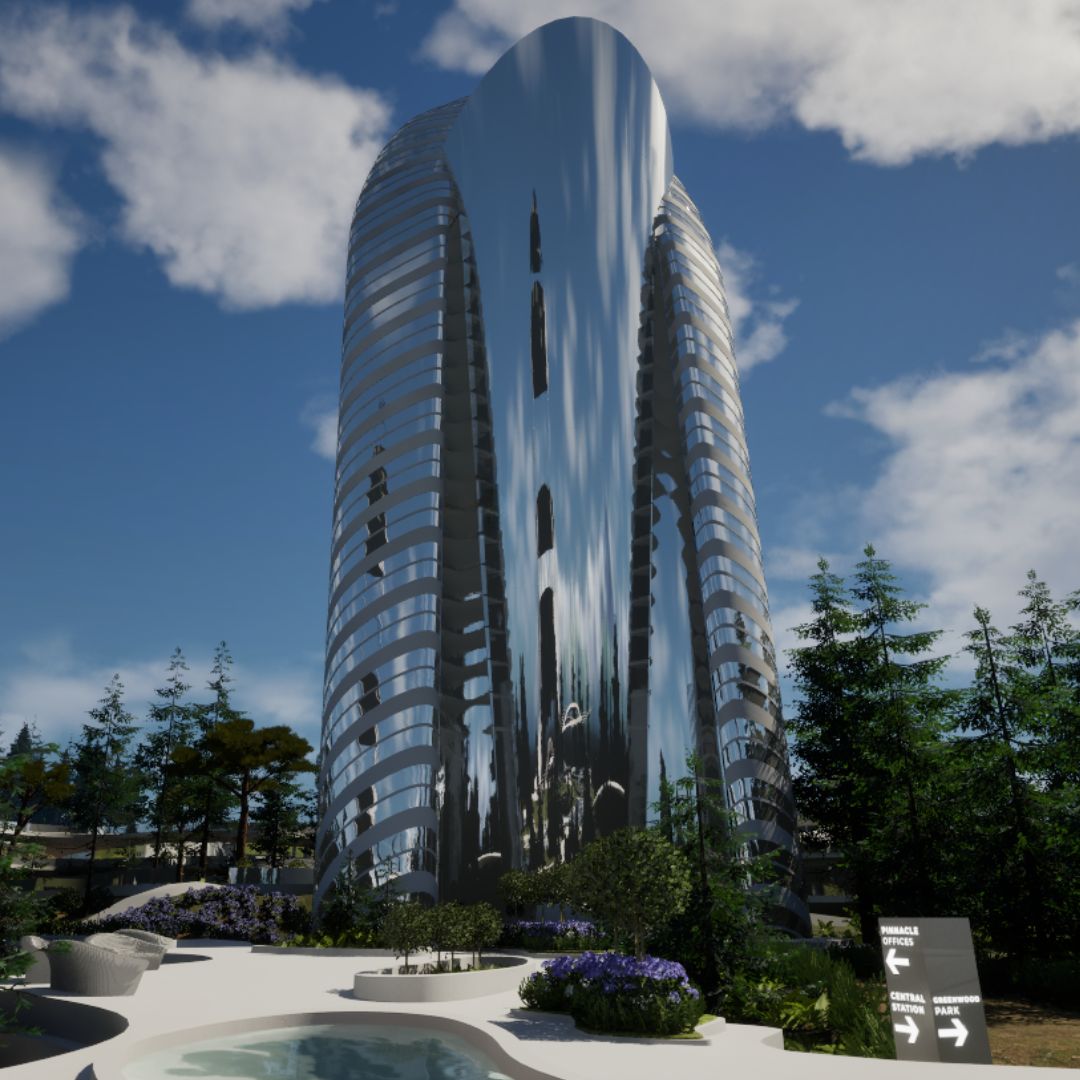
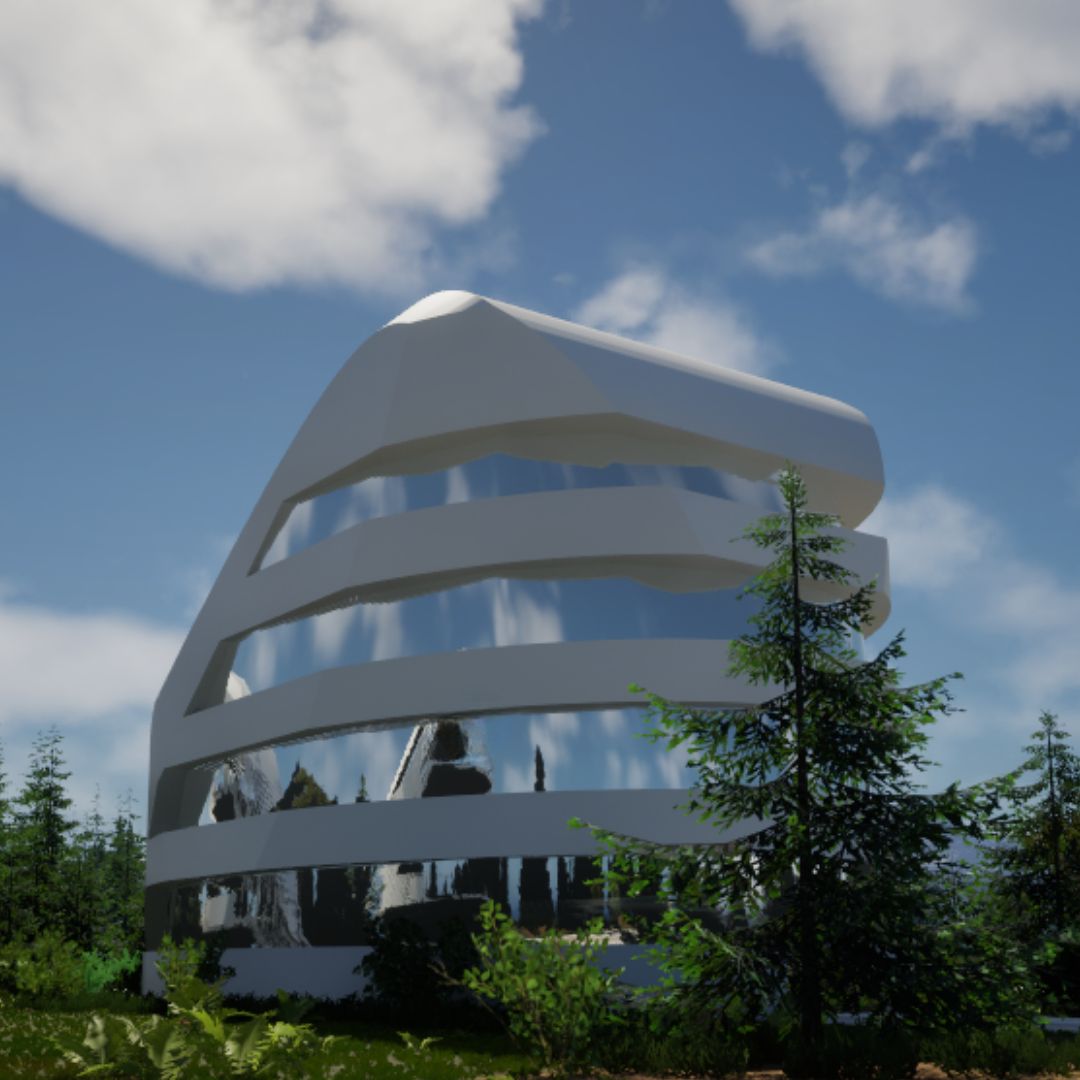
Pick your building and explore fully equipped virtual offices, crafted by leading architects and filled with premium virtual design.

The Alterland Trainer Guild
A growing network of certified trainers, facilitators, and learning designers who bring immersive education to life. Check their experience, expertise and language.
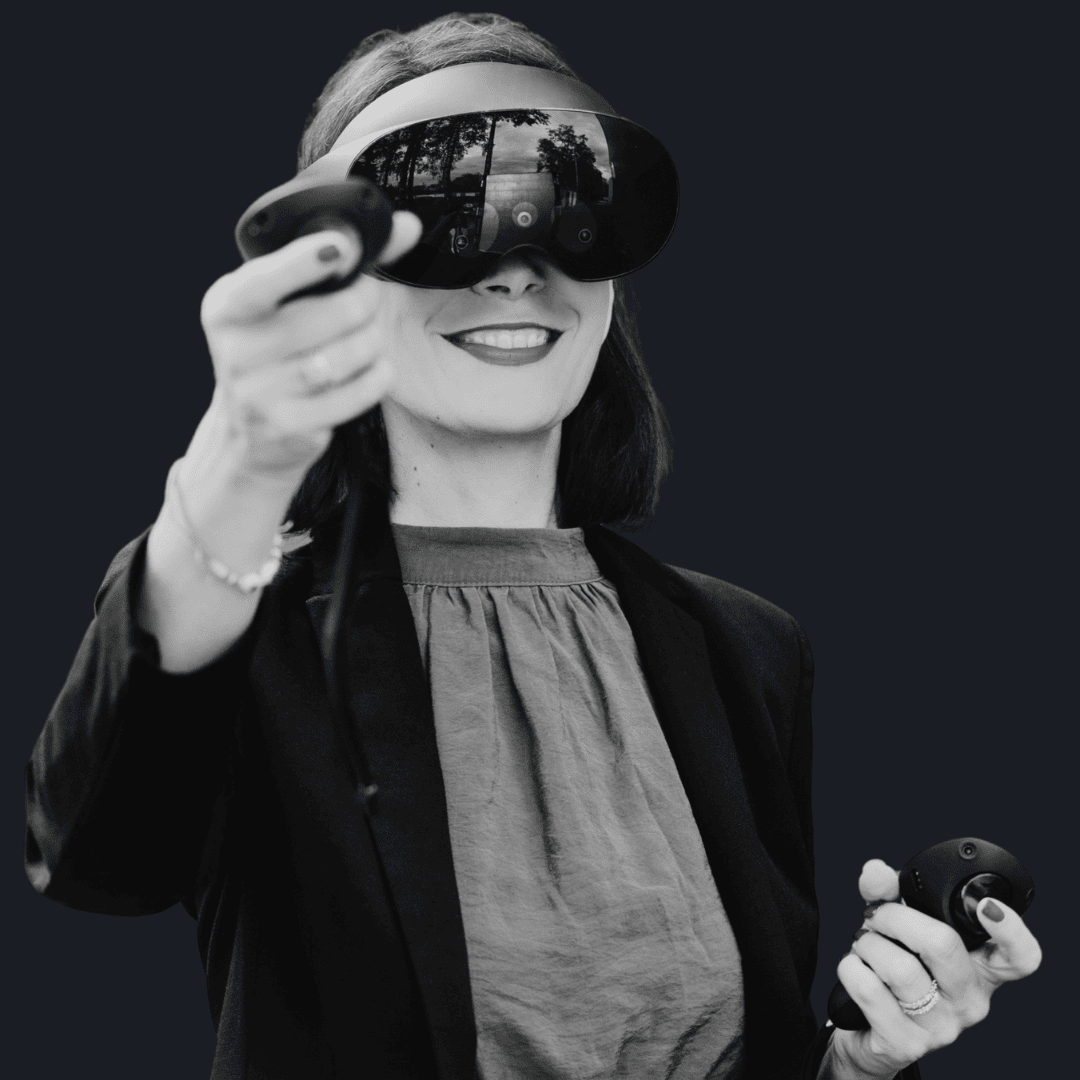
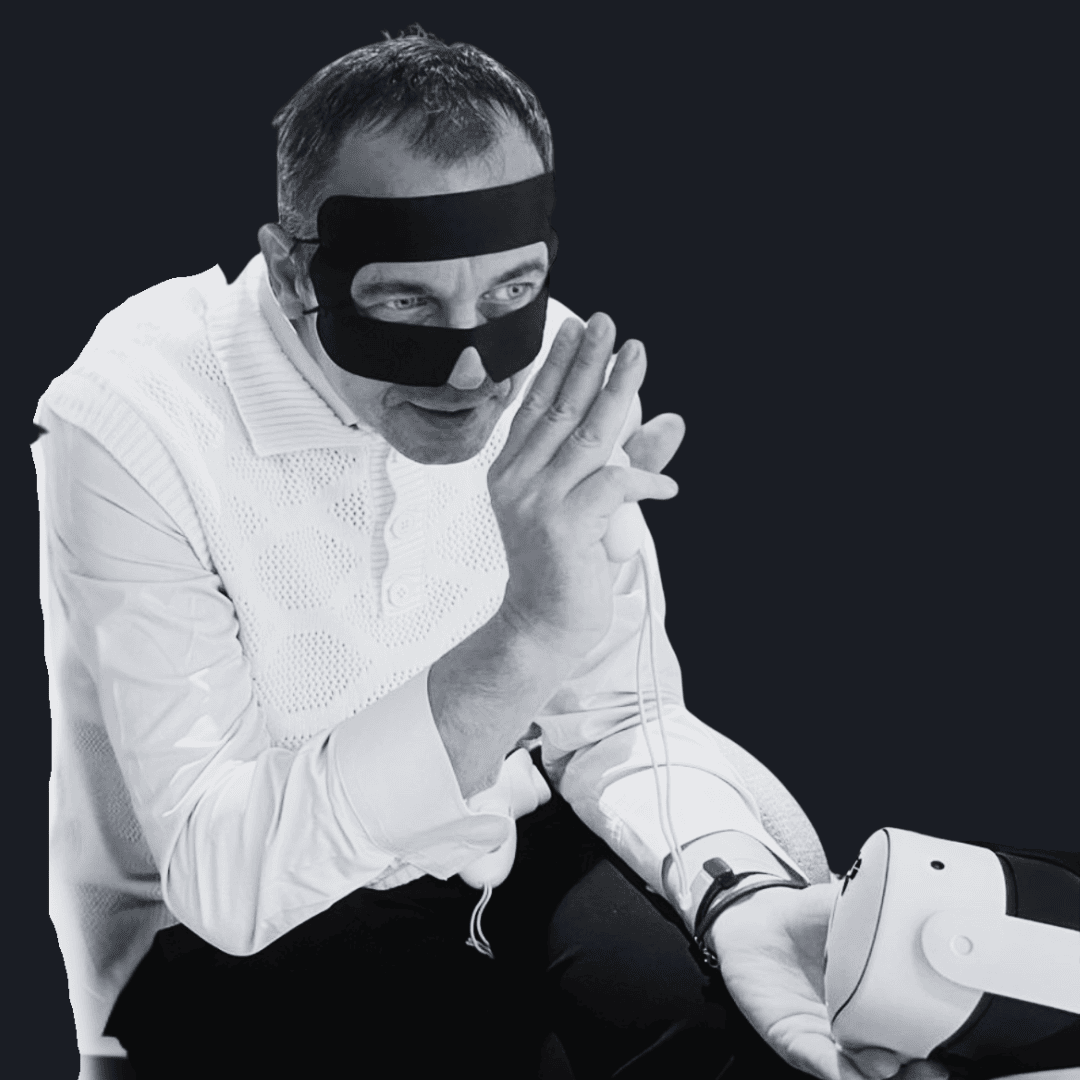
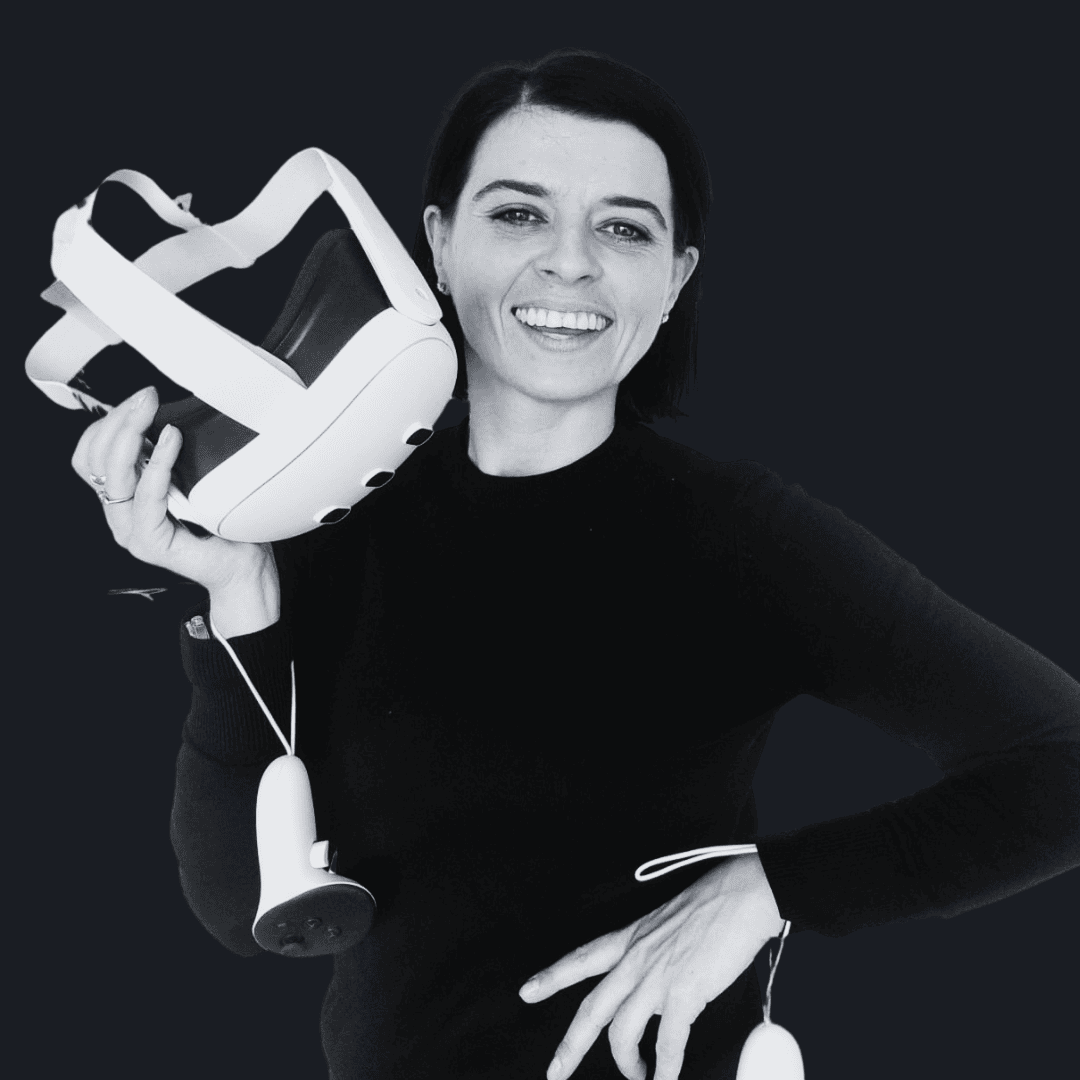
No headset? No problem!
You don’t need to own VR equipment to start working in Alterland.
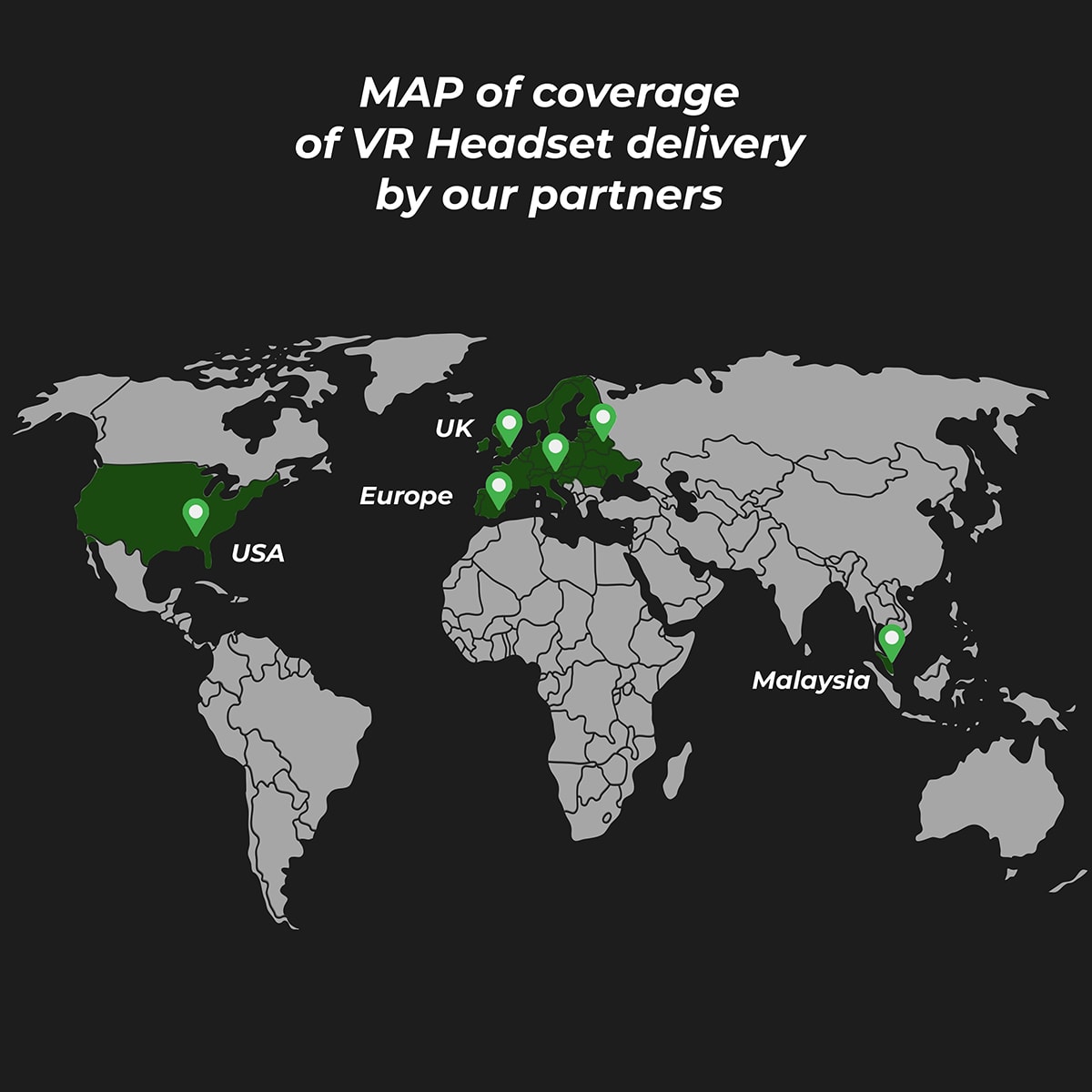
Through our trusted hardware partners across Europe, the USA, and Singapore, we provide seamless VR headset rentals and delivery straight to your company. Whether you’re organizing a workshop, onboarding session, or company-wide event, your team will get everything they need, ready to go. We’ll handle the logistics. You just step into the future of work.

Contact us if you have questions →
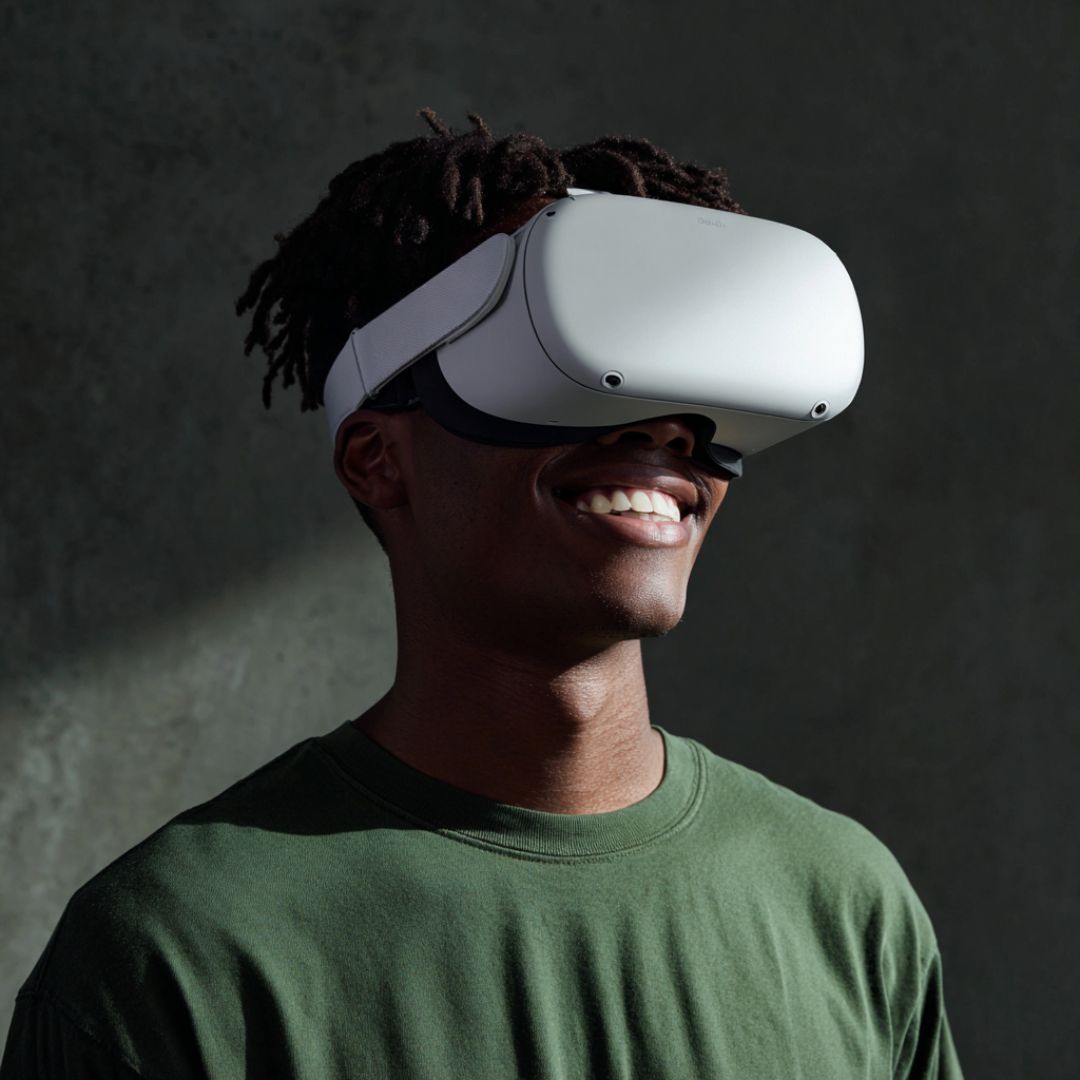
Download the Alterland App from the Meta Quest shop on your headset and check out our features
Using a VR app may involve data processing by the device or platform provider (e.g., Meta).
For details, please refer to their privacy policies.
on request
The ultimate plan, available on request for enterprises requiring customized solutions. Crafted individually, contact us directly.
Do you still have questions?
Here are some of the burning questions we hear most:
What is Alterland and how does it work?
Alterland is a virtual workspace platform designed to enhance remote collaboration through immersive 3D environments. It operates on both desktop and standalone VR headsets, offering flexibility for various user preferences.
Alterland's platform includes features such as virtual office rentals, interactive meeting rooms, and social spaces, facilitating both professional collaboration and informal networking. Whether you're working from home or connecting with a global team, Alterland provides a dynamic and interactive space to enhance your remote collaboration experience.
How to start using Alterland in a VR standalone set?
To use Alterland on a standalone VR headset such as Meta Quest 2, Quest 3 or Quest 3s.
Go to https://alterland.io and register for an account.
Install the Alterland app by opening the Meta Quest Store on your headset and searching for "Alterland."
Download and install the application.
Open the Alterland app from your headset's library.
Log in using your Alterland credentials.
Explore virtual workspaces, attend meetings, and use collaboration tools directly within your headset.
How to start using Alterland on PC without VR?
To use Alterland on a PC without a VR headset:
System Requirements: Ensure your PC meets the minimum system requirements:
Processor: Intel Core i5 12th Gen or equivalent
Memory: 16 GB RAM, Graphics: NVIDIA GTX 1060 or equivalent
To start using Alterland on your PC, first visit the Alterland website and log in to your AlterlandHub account.
If you don't have an account, you can create one.
Once logged in, navigate to the "Launcher" tab in the left menu to download and install the Alterland Launcher. After installing the Launcher, open it and click the "Download" button on the main page to download and install the Alterland application.
How to start using Alterland on PC with VR?
Follow all the steps from "How to start using Alterland on PC without VR?"
Then, connect your VR headset to your PC using a compatible cable.
The application will automatically switch to VR mode once the headset is detected.