Don’t tell.
SHOW.
Book a free call
Industries & Use Cases
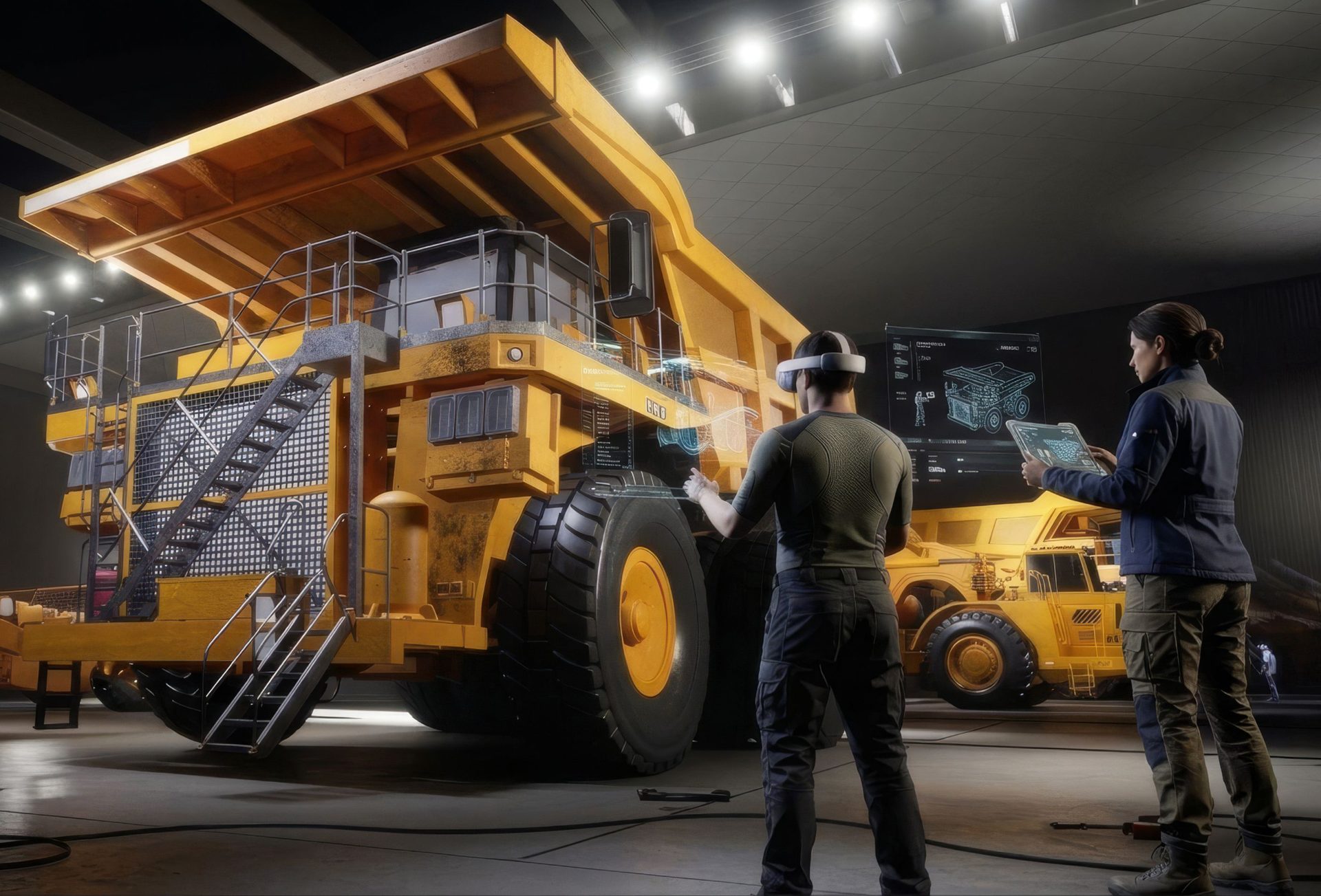
Wherever an asset is too large, too remote, or too costly to move. Built for the physical world’s heaviest, biggest challenges. Digital Twin brings it to the room instead.
-
Construction & Real Estate
-
Heavy Machinery
-
Ports & Logistics Terminals
-
Factories & Manufacturing
-
Transport & Fleet
-
Mining Operations
-
Aircraft & Aviation
-
Superyachts & Vessels
Two ways to put your asset to work.
Every twin starts from the same photorealistic core, then does a different job.
Showroom Twin.
Sell before you build
Photorealistic visualisation — no live data required. Give investors and buyers a walk-through of the exact machine, building, or vessel they’re funding, full scale, full detail, months before it’s real.
Use cases: real estate, heavy machinery, vehicles, unbuilt developments.
- UE5 rendering — Lumen GI, Nanite geometry, Niagara particles
- No travel required
- Investor & client walk-throughs
- Desktop + VR access
- Maximum visual impact for sales and investor engagement
Training Twin.
Train at scale, safely
Interactive operator training. Train operators on a photorealistic twin of your exact machine with a full procedure rehearsal, zero injury risk, zero production downtime.
Use cases: factories, heavy machinery, aviation, ports, mining.
- Clickable components with specs & manuals
- Zero live-line shutdowns
- First-person & VR walkthroughs
- Scenario-based, multi-user training sessions
- Without physical access or injury exposure
Everything enterprise VR can do. In one place.


What a digital twin actually changes?
See What’s Invisible.
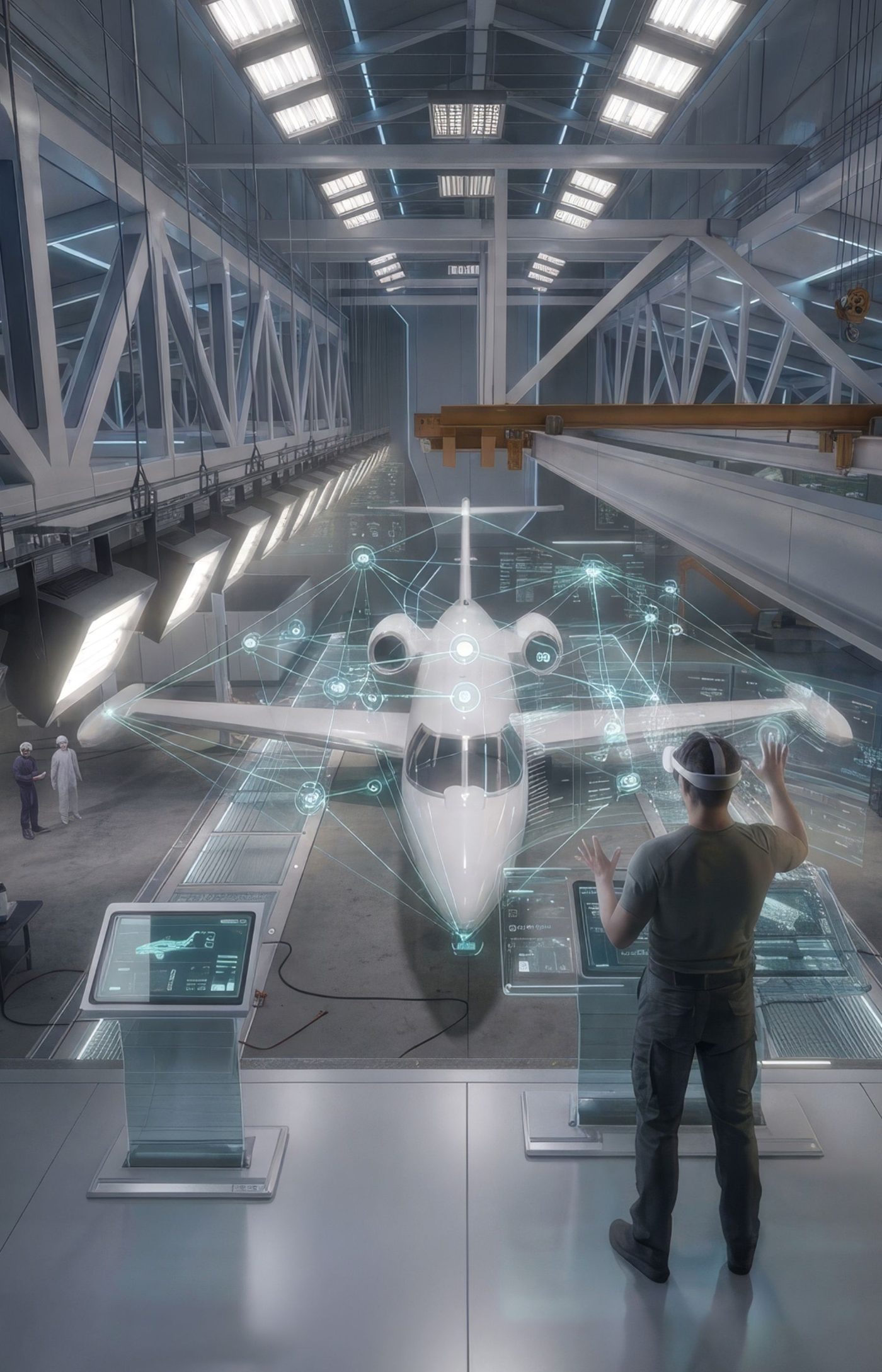
Access the full interior of any asset — without being physically there.
Train Without Risk.
Operator training on complex machinery and emergency procedures, conducted virtually.
Simulate Before Deciding.
Test changes, capacity, and failure scenarios digitally before committing capital.
Sell What Doesn’t Exist.
Use a Showroom Twin to give investors an immersive experience before it’s built.
Scale Across Sites.
One OpenUSD architecture extends from a single asset to an entire fleet.
Unreal Engine 5
NVIDIA Omniverse
OpenUSD
VR-Ready
Let's 🗣 talk!
Here's how you can connect withe the Alterland Team:
Every company has different needs. Let’s start with a conversation — tell us what you build, move, or operate, and we’ll show you what a twin of it can do.
Do you still have questions?
Here are some of the burning questions we hear most:
01. What does Alterland Digital Twin offer?
A Digital Twin is an interactive digital representation of a real or planned object: for example, a machine, building, vehicle or ship. Instead of transporting a large machine to a customer, you can let them explore its digital version on a computer or in VR. The physical object does not always have to exist yet.
Depending on what is agreed for your project, the digital version may also let people interact with components, practise procedures, examine a proposed layout or test defined operating scenarios. A visual model does not automatically include live machine data or a physics simulation; these must be discussed as part of the project.
02. What is the difference between Showroom Twin and Training Twin?
Showroom Twin: A digital space where a buyer, investor or colleague can explore a product or building, including one that has not yet been built. Think of it as a product demonstration you can walk through.
Training Twin: A version designed to help people learn how to work with an asset, for example by selecting components or practising a defined operating procedure. The exact interactions depend on the project.
03. Which industries and assets are suitable?
Potential applications include construction and real estate, machinery, manufacturing, ports, transport, mining, aviation, vessels and complex infrastructure. Digital Twins are particularly useful when an asset is large, remote, expensive to move, difficult to access or still in development.
04. Can we show a product or building before it exists?
Yes. A Showroom Twin can allow stakeholders to explore a planned building, machine, vehicle or vessel before it is physically built. It provides an interactive way to review and present a project alongside drawings and other design materials.
05. Do we need live sensor data or an IoT connection?
No. You can have a Digital Twin for demonstrations or training without connecting it to the real machine. IoT means connected devices and sensors that send information, such as temperature or machine status, over a network. If you want the digital version to display live information from the physical asset, discuss that integration with our team. It is not an automatic feature of every twin.
06. Can people access the Digital Twin on desktop as well as in VR?
Desktop and VR access can be included, depending on the type of twin and the project requirements. We'll define the appropriate access methods and hardware setup for your audience.
07. Can operators practise procedures without using the real machine?
Yes. A Training Twin can support scenario-based operator training and procedure rehearsal on a digital representation of the asset, reducing the need to access a physical machine or interrupt live operations for that virtual exercise. The procedures and interactions are tailored to the project.
08. Can we include interactive components and group training?
Yes. Depending on the agreed scope, a Training Twin can include interactive components, reference information such as specifications and manuals, and multi-user training scenarios.
09. Which technologies does Alterland use for Digital Twins?
The published technology stack includes Unreal Engine 5 for photorealistic rendering, NVIDIA Omniverse as a simulation platform and OpenUSD as an open standard. The specific configuration depends on your project's requirements.
10. How is a Digital Twin project scoped and priced?
Each project is designed and priced individually. To start, tell us what you want to represent (for example, a machine or future building), who will use it, and what they should be able to do. If you already have drawings, photographs, CAD files (computer-aided design files) or 3D models, mention them; our team will confirm which formats can be used. We then agree the detail, interactions, desktop/VR access and technical scope before preparing a proposal. Explore Digital Twin.
11. Do we need technical expertise to get started?
No. For VR Collaboration, you can start with the free single-player tutorial in the Alterland app on Meta Quest. To use the collaboration platform with your team, create an account in Alterland Hub and follow the installation steps above. For an AI Partner pilot or a custom Digital Twin, contact our team to discuss your requirements.
12. Can Alterland support international teams?
Alterland's products are designed for distributed collaboration and remote access. If you need support across particular countries, time zones or languages, share those requirements during your introductory call so we can discuss the available options.
13. Can we see a demonstration before choosing a solution?
Yes. Contact the Alterland team to discuss your use case and arrange an introductory conversation. For Alterland VR Collaboration, a free single-player trial is also available in the Alterland app on Meta Quest.
14. Does Alterland provide onboarding or project support?
Support depends on the product and agreed scope. Alterland can discuss setup and facilitation for VR Collaboration, pilot planning for AI Partner and project-specific delivery requirements for Digital Twin. Tell us what your team needs when you get in touch.